How much electricity does a NAS use per month in the UK?
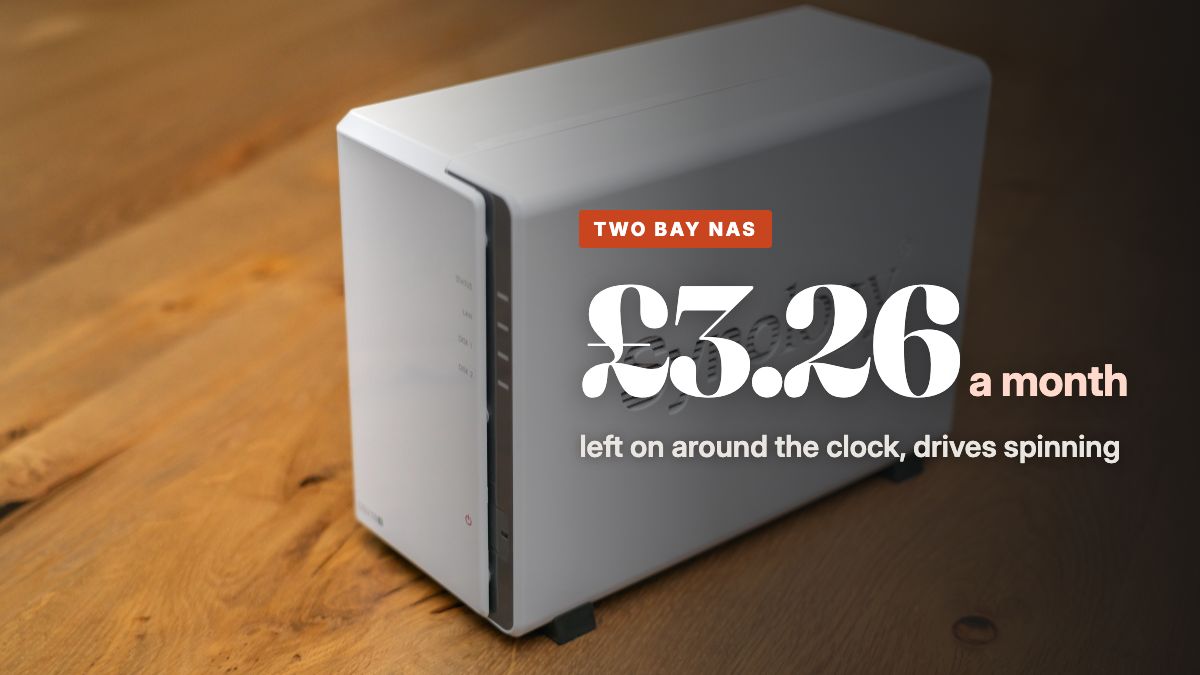
Synology measures its two bay DS225+ at 16.98 watts with the drives in use and 6.08 watts with them hibernating. Left running around the clock at about 17 watts, a NAS uses 12.4 kilowatt hours a month, which costs £3.26 at the Ofgem cap rate of 26.32p per kWh and £39.20 a year. A four bay model roughly doubles that, and an old desktop PC kept on as a home server costs about four times as much.
What a NAS draws
Synology, one of the main makers of home NAS boxes, publishes two power figures for each of its boxes. The first is measured with the drives installed and being read and written, and the second with the drives spun down in hibernation, which the box does on its own once hibernation is switched on and nothing has touched the drives for a while. The two bay DS225+ is rated at 16.98 watts in use and 6.08 watts hibernating. The cheaper two bay DS223j, measured with a pair of 2TB drives fitted, is rated at 16.31 and 4 watts, and the four bay DS925+ at 37.91 and 12.33 watts.
The gap between each pair of figures is the drives spinning down, which makes the hard disks the biggest single part of what a NAS draws. It is also why a four bay box, with twice as many drives to keep spinning, draws more than twice what a two bay one does.
We cost a home NAS at 17 watts, the DS225+ figure in use, which is the cautious number for a box whose drives never get the chance to sleep.
Work it out for your own two bay NAS
Type in the wattage from the plate on the back, then your own unit rate. The numbers update as you type.
Per day, per month and per year
| Box and state | Draw | Per day | Per month | Per year |
|---|---|---|---|---|
| Synology DS223j, hibernating | 4 W | 2.5p | 77p | £9.22 |
| Synology DS225+, hibernating | 6.1 W | 3.8p | £1.16 | £14.02 |
| Synology DS925+, hibernating | 12.3 W | 7.8p | £2.36 | £28.43 |
| Synology DS223j, in use | 16.3 W | 10.3p | £3.13 | £37.60 |
| Synology DS225+, in use | 17 W | 10.7p | £3.26 | £39.20 |
| Synology DS925+, in use | 37.9 W | 23.9p | £7.26 | £87.41 |
Every row assumes the box stays in that state for all 24 hours. A real NAS moves between the two, so most homes land somewhere between its hibernating and in use rows.
| Appliance | Typical draw | Usage we assume | Per hour (UK) | Per usage (UK) | Per month (UK) | Per hour (US) |
|---|---|---|---|---|---|---|
| Two bay NAS | 17 W | per 24 hours, always on | 0.45p | 10.7p | £3.26 | 0.31 cents |
Rates: Ofgem cap 1 October to 31 December 2026 at 26.32p per kWh (source), EIA residential average June 2026 at 18.34 cents per kWh (source). Checked 2026-09-22.
Hibernation, the setting that cuts the bill
A NAS used for backups in the evening and a film or two at the weekend spends most of its life with nobody touching the drives. If they spin for eight hours a day and hibernate for the other 16, a DS225+ uses about 0.23 kilowatt hours a day, which is £1.86 a month and £22.41 a year, against £39.20 a year if the drives never stop.
The catch is that hibernation only happens when nothing asks for the drives. A media server scanning its library, a camera recording to the NAS, or a phone backing up photos every few minutes will keep the disks spinning, and the box then sits at its in use figure all day. If your NAS seems to run warm and busy at three in the morning, the software running on it is the place to look before the hardware.
Leaving it on, or switching off at night
Switching a NAS off overnight saves less than most people expect, because a box that is hibernating is already down to a few watts. Eight hours off every night saves £4.67 a year on a DS225+ whose drives would have been asleep, and £13.07 on one that something keeps awake. If the box runs backups, updates or scrubs overnight, those jobs then have to move to the evening, which is a fair trade for some households and pointless for others.
A power schedule that does it automatically is the tidiest way to try it, since it avoids anyone having to remember a button at bedtime.
A NAS against an old PC or a Mac mini as a home server
The hardware you choose decides the bill far more than the settings do. An old desktop PC kept on as a home server draws around 66 watts on average, the figure Lawrence Berkeley National Laboratory measured for desktops in real homes, which costs £12.67 a month and £152.40 a year, nearly four times a two bay NAS. A modern office tower set to idle quietly does much better, and the ThinkCentre M70s Gen 5 is certified at 11.2 watts in long idle, £25.82 a year, as long as nothing keeps waking it.
The smallest option is a mini PC. Apple puts the M4 Mac mini at 4 watts idle, which is £9.22 a year around the clock, though any external drives plugged into it add their own figure on top. For storage alone, a two bay NAS with hibernation switched on is usually the cheapest box that also keeps two copies of everything.
What actually lowers the cost
- Turn on hard drive hibernation and give it a sensible delay, such as 20 or 30 minutes, so the drives sleep through the hours nobody needs them.
- Find out what keeps the drives awake. Library scans, cloud sync and camera recording all stop hibernation, and some can be scheduled for a single window in the day.
- Buy the number of bays you will actually fill, since a four bay box with everything spinning draws more than twice what a two bay one does.
- Retire the old desktop PC from server duty, because at around 66 watts it costs about four times what a two bay NAS does over a year.
- Count the router too, which runs around the clock beside the NAS, as our guide to what a Wi-Fi router uses per month shows.
What this costs in the United States
At the EIA residential average of 18.34 cents per kilowatt hour, a 17 watt NAS left on around the clock uses 12.4 kilowatt hours and costs about $2.27 a month, or $27.31 a year. With the drives hibernating 16 hours a day it costs about $15.62 a year.
Common questions
Does a NAS use a lot of electricity?
Not much, but it never stops. A two bay Synology DS225+ draws 16.98 watts with its drives in use, which is £3.26 a month and £39.20 a year left on around the clock. That is more than a Wi-Fi router and far less than an old desktop PC doing the same job.
Should I leave my NAS on all the time?
If you use it as a backup target or media server, leaving it on with hard drive hibernation switched on is the cheap way to do it. The DS225+ drops from 16.98 to 6.08 watts when its drives hibernate, so a NAS that sleeps for 16 hours a day costs about £22.41 a year instead of £39.20.
Should I turn off my NAS at night?
It saves a little. Switching a DS225+ off for eight hours a night saves £4.67 a year if the drives would have been hibernating anyway, and £13.07 if something keeps them awake all night. Backups and updates that run overnight then need moving to the daytime.
How much does it cost to run a home server?
It depends almost entirely on the hardware. An old desktop PC at the 66.1 watt home average costs £152.40 a year left on, a two bay NAS about £39.20, and an M4 Mac mini idling at 4 watts £9.22 before any drives are plugged into it.