How much does it cost to run a desktop PC and monitor per hour in the UK?
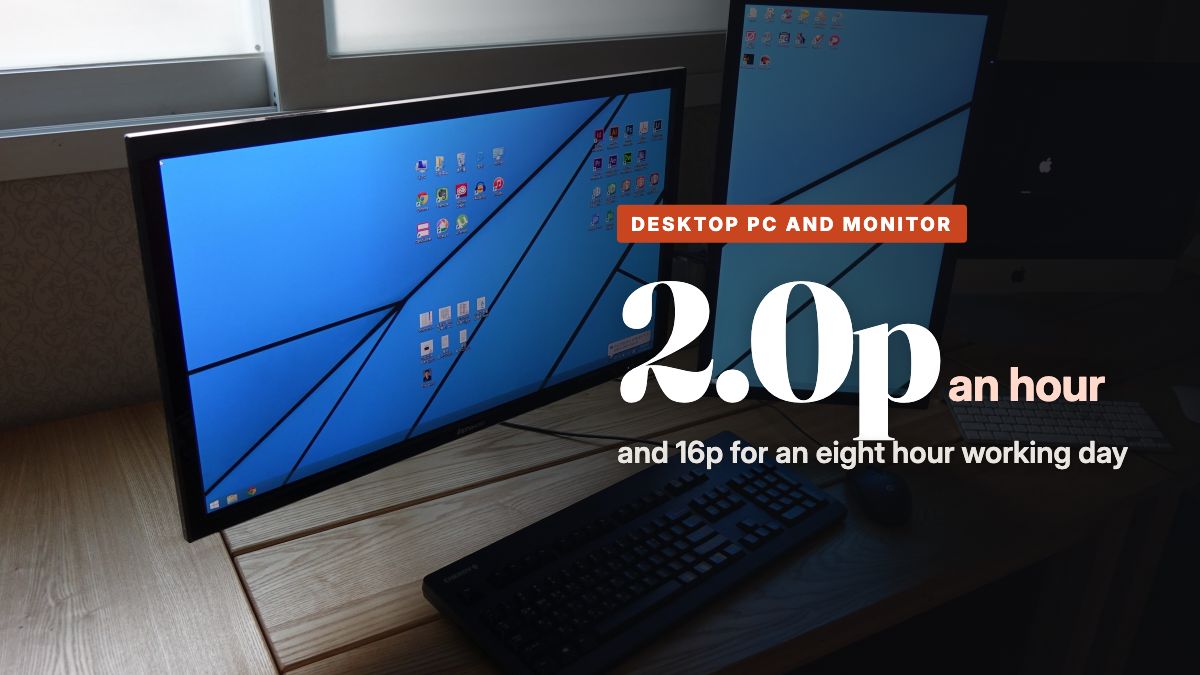
A typical home desktop PC draws about 66 watts while it is on and a 24 inch office monitor adds about 11, so the pair costs 2.0p an hour at the Ofgem cap rate of 26.32p per kWh. An eight hour working day comes to 16.2p and a month of weekdays to £3.51. A laptop doing the same work costs 6.7p a day, and a 2kW heater in the same room costs 53p for a single hour.
What a desktop and monitor draw
A desktop computer is two appliances on the same desk, and the monitor is the one people forget. Each has its own published figure, and neither of them is the number on the power supply.
The computer side is best measured in real homes, because a tower's draw depends on what you ask of it. Researchers at Lawrence Berkeley National Laboratory in California metered desktops at the socket in ordinary households and found an average of 66.1 watts whenever they were on, with the monitor counted separately, and 2.0 watts on standby. Newer office machines do better at rest. The ENERGY STAR certification for Lenovo's ThinkCentre M70s Gen 5, a mainstream Intel office tower, records 28.2 watts idling at the desktop, 1.1 watts asleep and 0.7 watts off. Apple puts the M4 Mac mini at 4 watts idle and 65 watts at its absolute maximum.
Monitors are certified the same way, at a set brightness with an ordinary picture on screen. The figures for five common Dell office screens run from 10.6 watts for the 24 inch P2425H, through 12.7 watts for the 27 inch P2725H and 17.0 watts for the 27 inch 1440p U2724D, up to 27.2 watts for the 34 inch P3424WE ultrawide and 28.3 watts for the 27 inch 4K U2723QE.
We use 77 watts for the pair, the 66.1 watt home average plus a 10.6 watt 24 inch monitor. A new office tower doing email will sit below that, and a few years old machine with a second screen will sit above it.
Work it out for your own desktop PC and monitor
Type in the wattage from the plate on the back, then your own unit rate. The numbers update as you type.
Per hour and per working day
| Desk setup | Draw | Per hour | Eight hour day | Month of weekdays | Year of weekdays |
|---|---|---|---|---|---|
| Mac mini idling with a 24 inch monitor | 15 W | 0.38p | 3.1p | 67p | £7.99 |
| Office tower idling with a 24 inch monitor | 39 W | 1.02p | 8.2p | £1.77 | £21.24 |
| Typical home desktop with a 24 inch monitor | 77 W | 2.0p | 16.2p | £3.51 | £42.15 |
| Typical desktop with a 27 inch 4K monitor | 94 W | 2.5p | 19.9p | £4.31 | £51.68 |
| Typical desktop with two 27 inch 1440p monitors | 100 W | 2.6p | 21.1p | £4.57 | £54.80 |
| A laptop doing the same work | 32 W | 0.84p | 6.7p | £1.46 | £17.52 |
The year column counts 260 weekdays and makes no allowance for holidays, so most people working from home will land a little under it. The two idle rows are the floor for a modern machine with nothing running, and real work such as video calls lifts them towards the typical row.
| Appliance | Typical draw | Usage we assume | Per hour (UK) | Per usage (UK) | Per month (UK) | Per hour (US) |
|---|---|---|---|---|---|---|
| Desktop PC and monitor | 77 W | per 8 hour working day | 2.0p | 16.2p | £3.51 | 1.4 cents |
Rates: Ofgem cap 1 October to 31 December 2026 at 26.32p per kWh (source), EIA residential average June 2026 at 18.34 cents per kWh (source). Checked 2026-09-22.
The screen choice matters more than people think
Going from a 24 inch 1080p monitor to a 27 inch 4K one adds about 18 watts, which is a quarter again on top of the whole typical setup. Over a year of weekdays that is £9.70 extra, and a second screen adds its own figure on top in the same way.
Brightness moves the number as well. The certified figures are measured at a set brightness, and a monitor turned up to its maximum for a bright room draws more than the label says, so turning it down to a comfortable level is a free saving on any screen you already own.
Leaving it on overnight and around the clock
The real cost of a desktop is the hours it spends switched on with nobody at it. An office tower idling at 28 watts through a 16 hour evening and night uses 0.45 kilowatt hours and costs 11.9p a night, which is £43.35 across a year. Put it to sleep instead and the same 16 hours at 1.1 watts cost 0.46p, or £1.69 a year. Switching off fully at 0.7 watts saves another 61p a year on top of sleep, which is rarely worth the slower start in the morning.
An older or busier machine left running all the time costs a good deal more. At the 66.1 watt home average with the monitor asleep, 24 hours a day for a year comes to £152. If you want something on around the clock for downloads or files, a small machine such as the Mac mini at 4 watts idle costs £9.22 a year, which is the whole case for a low power box over an old tower kept running in the corner.
Working from home, where the money actually goes
For a home worker the computer is rarely the expensive part of the day. A desktop and monitor cost 16p for eight hours, and the laptop alternative costs 6.7p. A 2kW oil filled radiator running half the time to keep a spare room warm costs £2.11 over the same eight hours, and even a 38 watt heated throw over your knees costs 8.0p, about half the cost of the computer.
Every watt the PC and monitor draw ends up as heat in the room, which is a small consolation in January and an annoyance in July. It is also why a laptop is the cheaper choice twice over in winter, since it costs less to run and lets you work in whichever room is already warm. Our guide to what a gaming PC uses per month covers the machines that do make a dent in the bill, which is anything with a large graphics card running a game.
What actually lowers the cost
- Set the computer to sleep after 15 or 20 minutes of inactivity, because the gap between 28 watts idle and 1 watt asleep is where almost all the saving is.
- Let the monitor sleep with the computer rather than leaving it on a screensaver, which keeps the backlight lit and the full on mode figure ticking.
- Pick the screen for the work. A 1080p or 1440p monitor is enough for documents and spreadsheets and draws between a third and three fifths of what the 27 inch 4K model does.
- Turn the brightness down to what is comfortable, which costs nothing and lowers the draw on any LCD.
- Switch the extension lead off at the end of the week if the desk also holds speakers, a printer and a docking station, since each one keeps a small standby draw going all weekend.
- Do not replace a working computer to save electricity. The gap between a typical desktop and a laptop is £24.64 a year of weekdays, so a new machine pays for itself on power alone only over many years.
What this costs in the United States
At the EIA residential average of 18.34 cents per kilowatt hour, a 77 watt desktop and monitor cost 11.3 cents for an eight hour day and about $2.45 for a month of weekdays. A laptop doing the same work costs about $1.02 a month.
Common questions
Does a PC use a lot of electricity?
An office or home desktop does not. Measured in real homes it averages about 66 watts while on, which is 1.7p an hour, and with a 24 inch monitor the pair costs 16p for an eight hour day. Gaming PCs are a different matter, at around 400 watts in a game they cost 10.5p an hour.
Does a monitor use a lot of electricity?
Less than the computer, but more than most people allow for. ENERGY STAR measures the Dell P2425H 24 inch monitor at 10.6 watts in use, 0.28p an hour, and the 27 inch 4K Dell U2723QE at 28.3 watts, 0.75p an hour. Asleep, both drop to well under a watt.
Should I turn my PC off at night?
Sleep does nearly all of the saving. A modern office tower idling at the desktop draws about 28 watts according to its ENERGY STAR figures, which is 11.9p across a 16 hour evening and night. Asleep it draws 1.1 watts, 0.46p for the same stretch, and switched off 0.7 watts, so going from sleep to fully off saves only 61p a year.
How much does it cost to run a PC 24/7?
At the 66 watt home average with the monitor asleep, about 42p a day and £152 a year. A small efficient machine such as an M4 Mac mini idling at 4 watts costs £9.22 a year around the clock, which is why people who leave a computer on all the time tend to pick one.
How much does working from home cost in electricity?
The computer is the small part. A desktop and monitor cost 16p for an eight hour day and a laptop 6.7p, while a 2kW electric heater running half the time across the same day costs £2.11. Heating the room is where a winter of home working shows up on the bill.